AI Jewellery Photoshoot Gallery
Browse example directions for rings, necklaces, earrings, mangalsutra, bangles, bracelets, model photoshoots, luxury backgrounds, ecommerce white backgrounds, and Instagram creatives.
AI summary
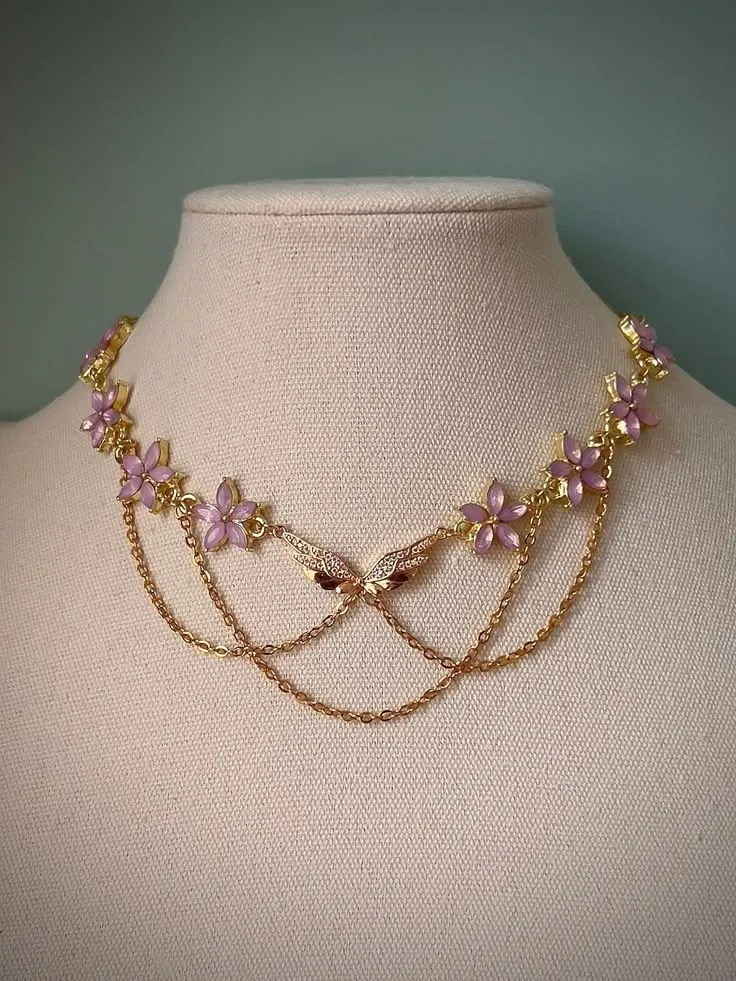
The Jewel AI Studio gallery shows the range of jewellery visuals sellers can create: catalogue images, model-wearing images, premium studio shots, luxury backgrounds, and social-ready creatives.
Benefits
- Catalogue images: Clean ecommerce-ready backgrounds for product grids and marketplaces.
- Model photoshoots: Realistic worn visuals for rings, necklaces, earrings, bracelets, mangalsutra, and pendants.
- Luxury backgrounds: Premium studio and campaign settings for high-value jewellery.
- Instagram creatives: Social-ready compositions for launches, festive offers, and ads.
How it works
- Choose a jewellery category.
- Pick a visual style.
- Generate a matching image in Studio.
Example use cases
- Gallery discovery
- Creative direction
- Style selection
Frequently asked questions
What does the gallery show?
The gallery shows example directions for catalogue, studio, model-wearing, luxury background, ecommerce, and Instagram jewellery visuals.
Can I create similar images from my own jewellery?
Yes. Upload your jewellery image in Studio and choose the output style you need.