Before and After AI Jewellery Photos
Before and after examples show what Jewel AI Studio changes and what it preserves. The presentation becomes professional, while the jewellery remains the same product.
AI summary
Jewel AI Studio transforms raw jewellery photos into professional selling visuals by improving the scene, background, lighting, and styling while preserving product identity.
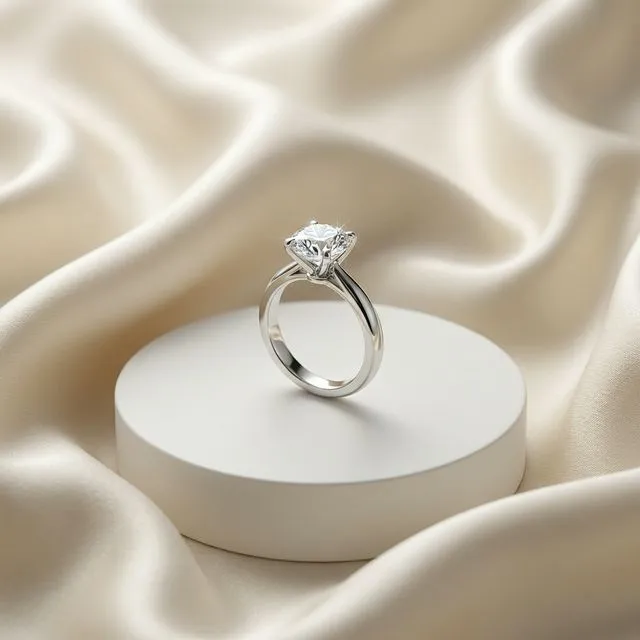
Benefits
- What changed: Background, lighting, surface, camera mood, and overall sales presentation.
- What stayed the same: Jewellery type, shape, stones, metal color, product identity, and visible design details.
- Why it helps: Before and after visuals help jewellers understand how raw shop photos can become ecommerce-ready images.
- Review before use: Always inspect generated images before publishing to make sure important details are accurate.
How it works
- Start with a raw image.
- Generate a professional style.
- Compare design details before publishing.
Example use cases
- Product demos
- Customer education
- Trust building
Frequently asked questions
What changes in a before-and-after AI jewellery photo?
The background, lighting, surface, camera mood, and presentation can change.
What should stay the same?
The jewellery design, shape, metal color, stone placement, product type, and visible construction should stay the same.
Can before-and-after examples help sellers?
Yes. They show how raw shop photos can become professional ecommerce and social visuals.